DarkWeb
DarkWeb
Security Tools
Security Tools
Our team of experts use a combination of several of the highest quality tech security tools on the market to keep our clients safe.

Let's take a look...
Bad actors are always at work to discover private information about individuals and businesses alike. These breaches can expose a myriad of problems including the acquisition of personal account passwords. With DarkWeb monitoring you can get ahead of them and prevent attacks before they occur.
The search tool below can quickly show you if your email has ever been exposed. For a full rundown on your business' domain and the specific information that was discovered in a given breach, contact our office and we can set up a meeting to fill you in on all the details.

Supporting Your
Business Technology Needs
Our managed IT services are established according to your unique business needs and provides your organization with complete peace of mind as a team of IT specialists make sure complete monitoring and management of your IT assets. Utilizing managed IT services means you can focus on your business growth while we make sure your IT investments are maximized.

CYBERSECURITY BLOG
Latest from MicroAge
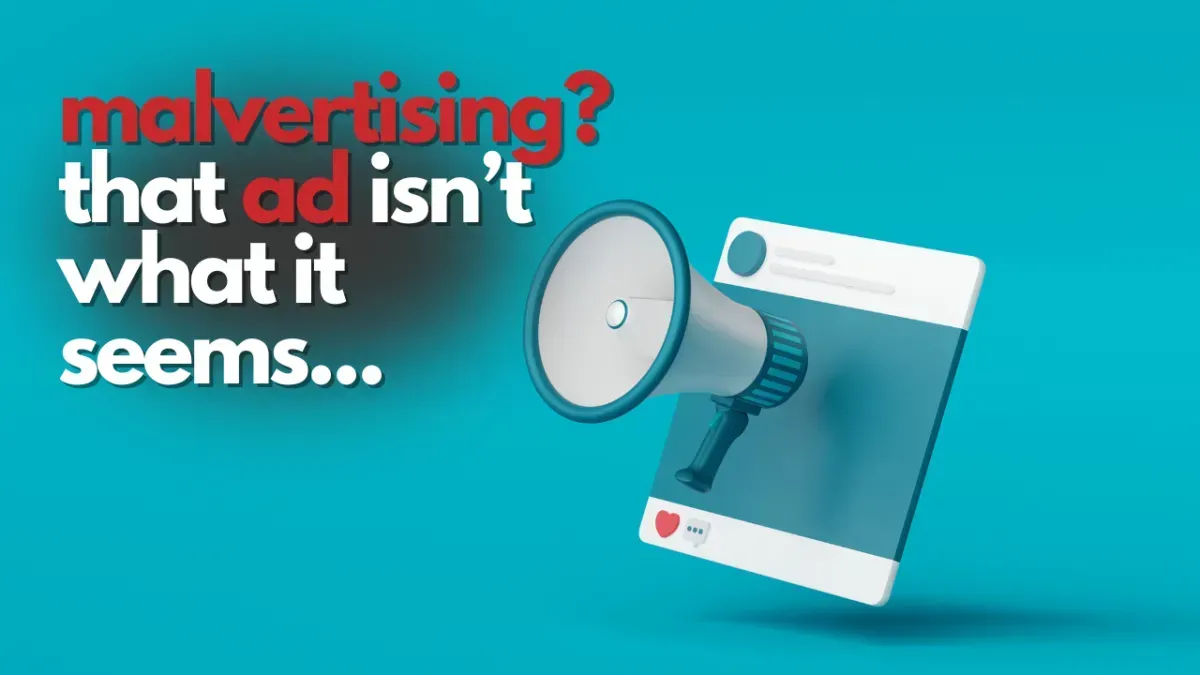
Talk About False-Advertising!
Talk About False-Advertising!
Beware these common ‘malvertising’ attacks
Think about the last online ad you clicked…
Did you just assume it was genuine?
If you said yes, you’re not alone – and this is exactly what scammers are counting on.
“Malvertising”, or malicious advertising, is where scammers use online ads to trick you into downloading malware (malicious software), sharing sensitive information like passwords, or even handing over money.
These attacks are becoming more sophisticated, and they’re a growing threat to businesses of all sizes. Worse yet, you don’t even need to click on these ads to become a victim; just loading the ad in an out of date browser can be enough to compromise your device.
The three most common malvertising techniques are known as scam malvertising, fake installer malvertising, and drive-by download malvertising.
Here’s a little more about them:
• Scam malvertising is where an ad claims that your computer is infected and urges you to call for support. Once you do, the scammers convince you to install software that gives them control over your system. Then they charge you to “fix” the fake issue.
• Fake installer malvertising often uses ads that lead you to cloned websites of brands you trust. You download software, thinking it’s legit… but, instead, you’re downloading malware onto your device.
• Drive-by download malvertising is where ads infect your computer without you even clicking on anything. This type of malvertising exploits outdated browsers and installs malicious files or extensions automatically.
Recognizing these scams is the first step to keeping your business safe. If you see an ad claiming you’ve been hacked or urgently need to act, stop and think: How would this company even know anything about your computer?
Also, make sure you double-check links before you click. If the link isn’t sending you to a legitimate domain, steer clear. And most importantly, make sure you’re running the latest version of your browser, as updates patch vulnerabilities that malvertising often exploits.
Don’t forget to share this knowledge with your employees, too. They’re your first line of defense – and training them to spot suspicious ads can save your business from serious trouble.
Scammers want you to trust without thinking. But a healthy dose of skepticism can make all the difference. Next time you see an ad that feels wrong, trust your gut… and ask yourself if it’s safe before you click.
Want to train your team to protect your business from malvertising and other online scams? We can help, get in touch.


Do More
Check out our blog to learn how you can best keep the IT assets within your business safe. Our weekly tech blog will keep you up to date on the latest news in the world of all things IT, with an emphasis on cybersecurity. Check out our whole catalog of articles below!
Reach Out
1-844-773-5753
45896 Alexander Ave., Chilliwack, BC, Canada
Monday - Friday, 8:00 am - 5:00 pm
Copyright 2023. MicroAge Chilliwack. All rights reserved.